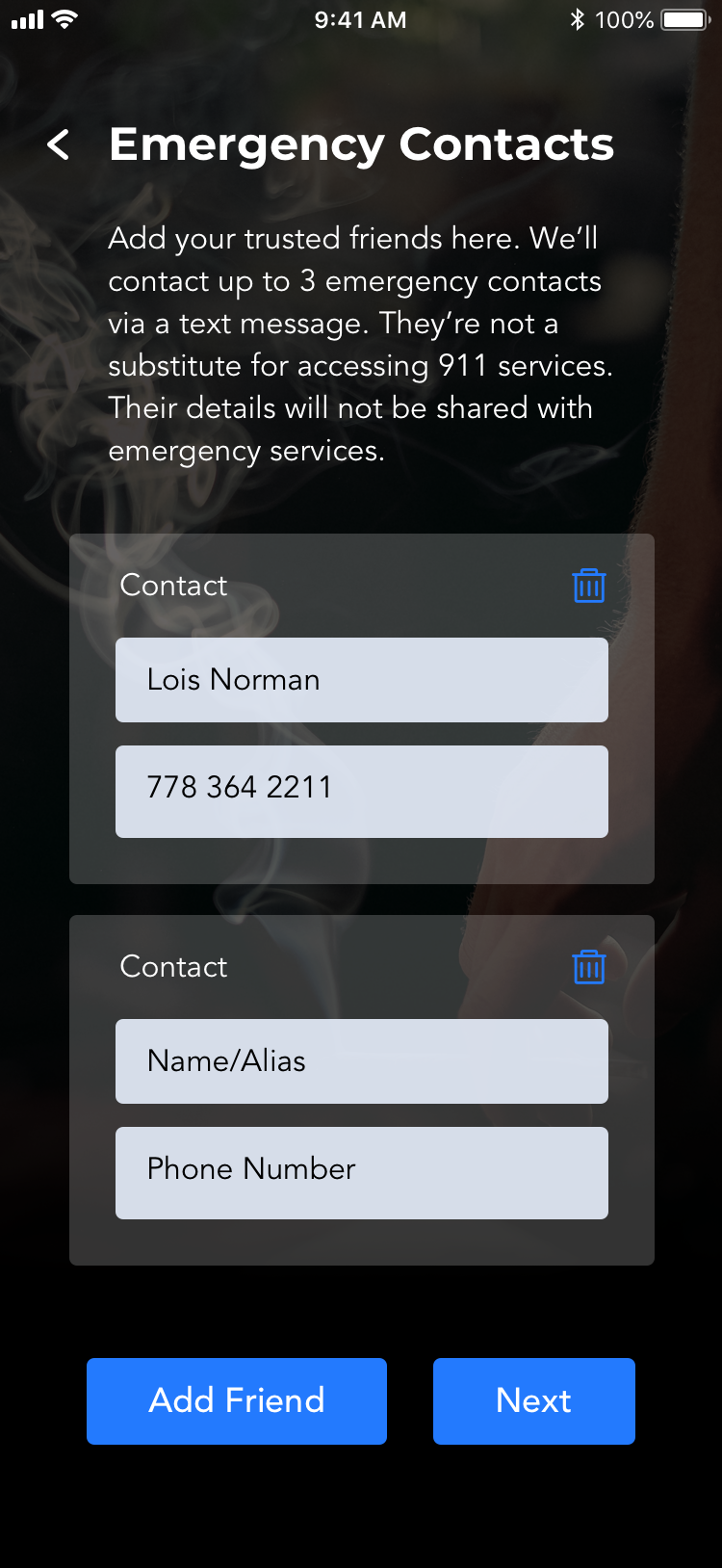
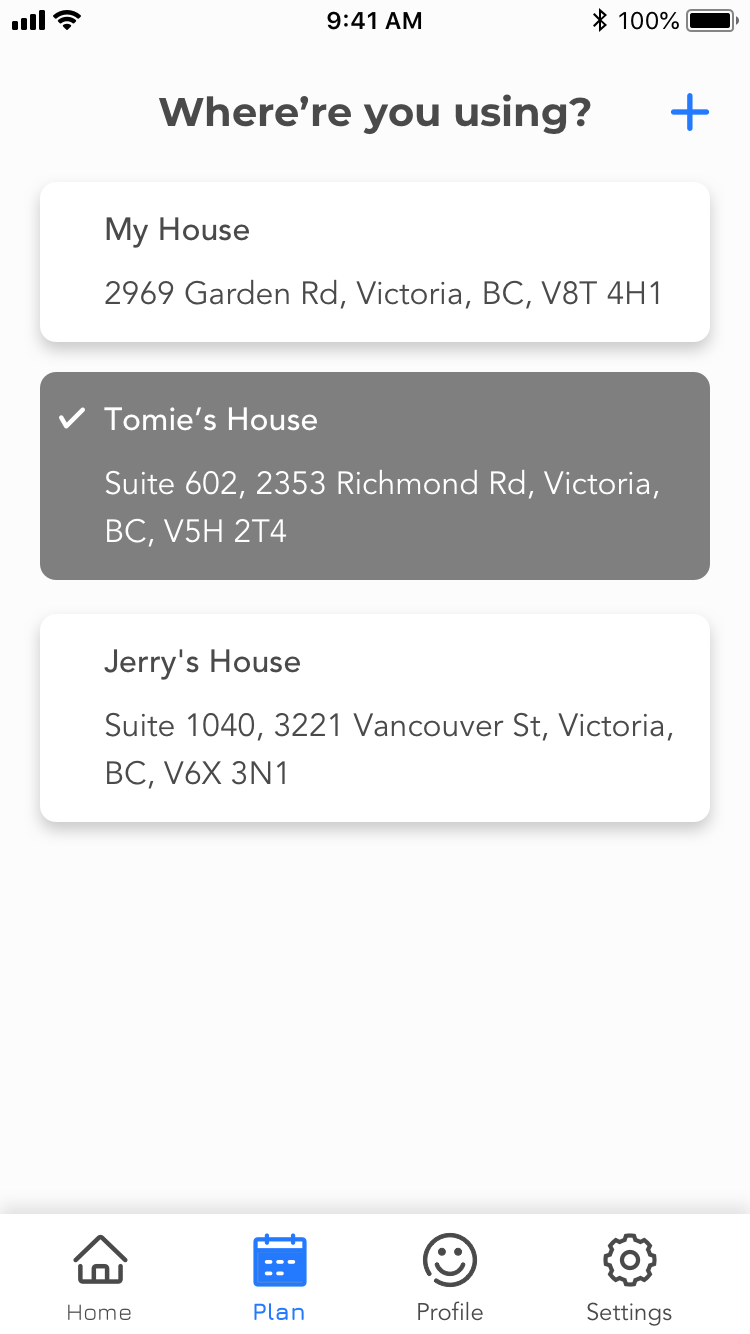
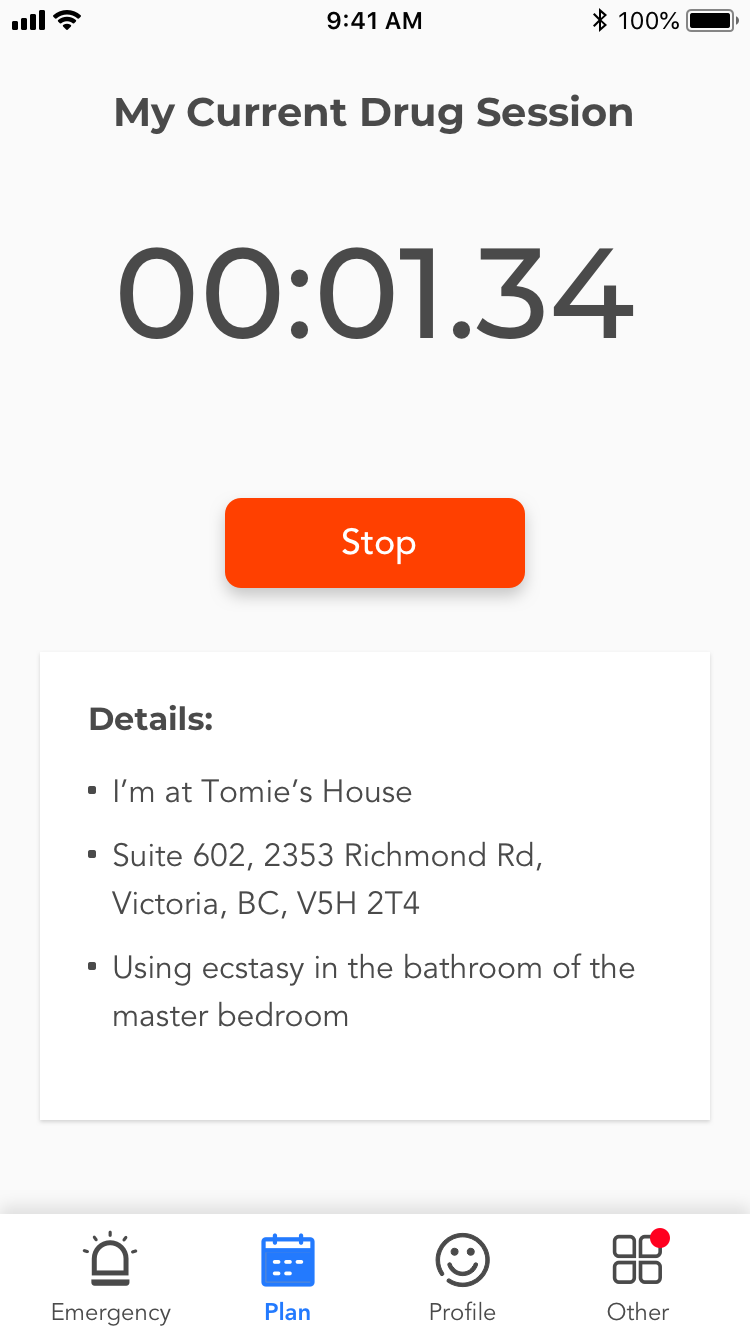
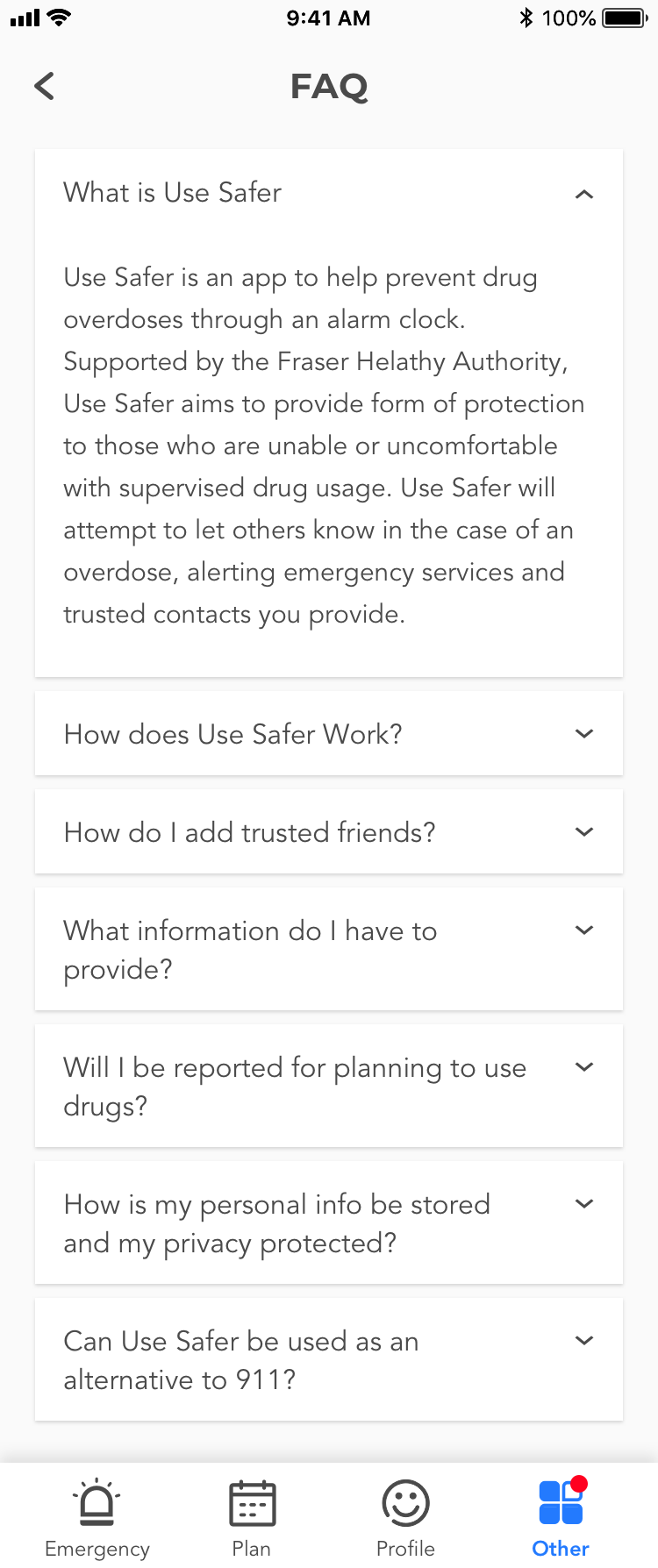
The Fraser Health Authority is one of five regional health authorities in B.C. working together with the Ministry of Health. Together with it, FreshWorks developed UseSafer, an application that assists in the fight against the drug overdose crisis. It acts as a tool to help alert emergency services when a user has potentially overdosed and aims to decrease the emergency services response time significantly.
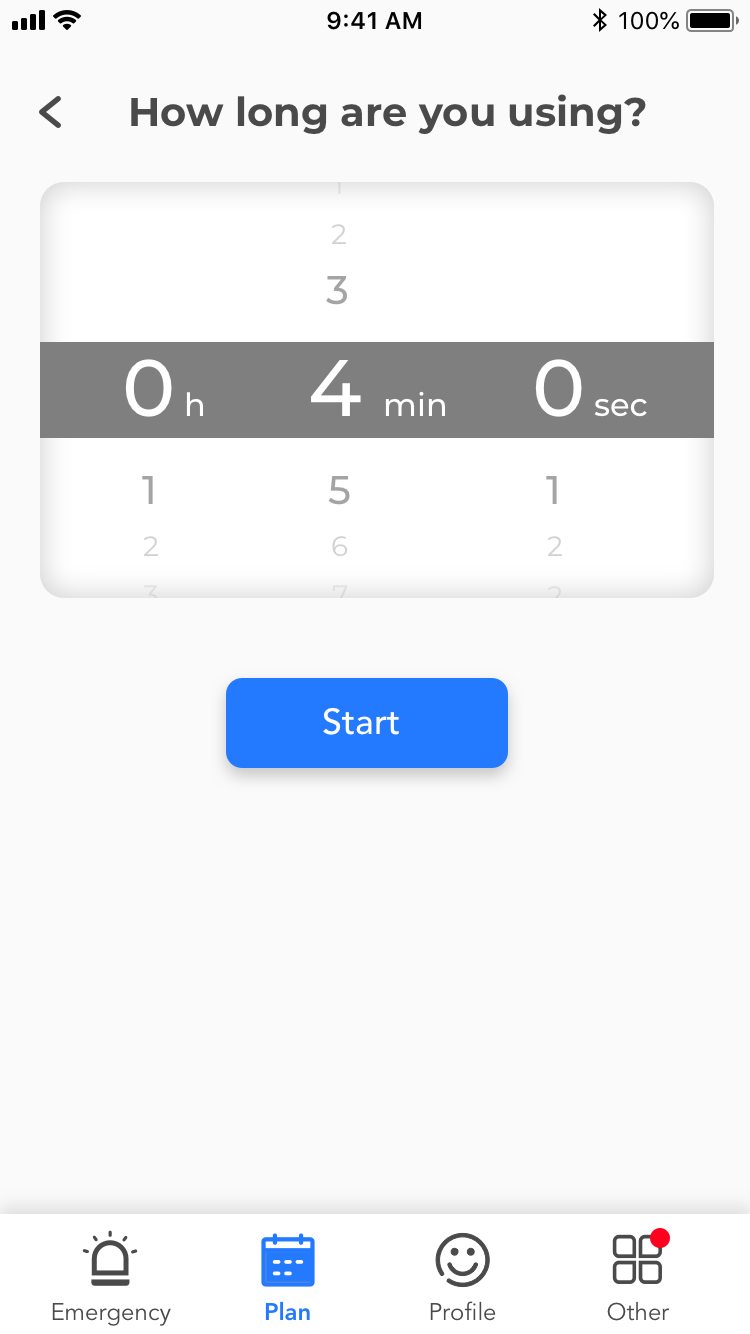
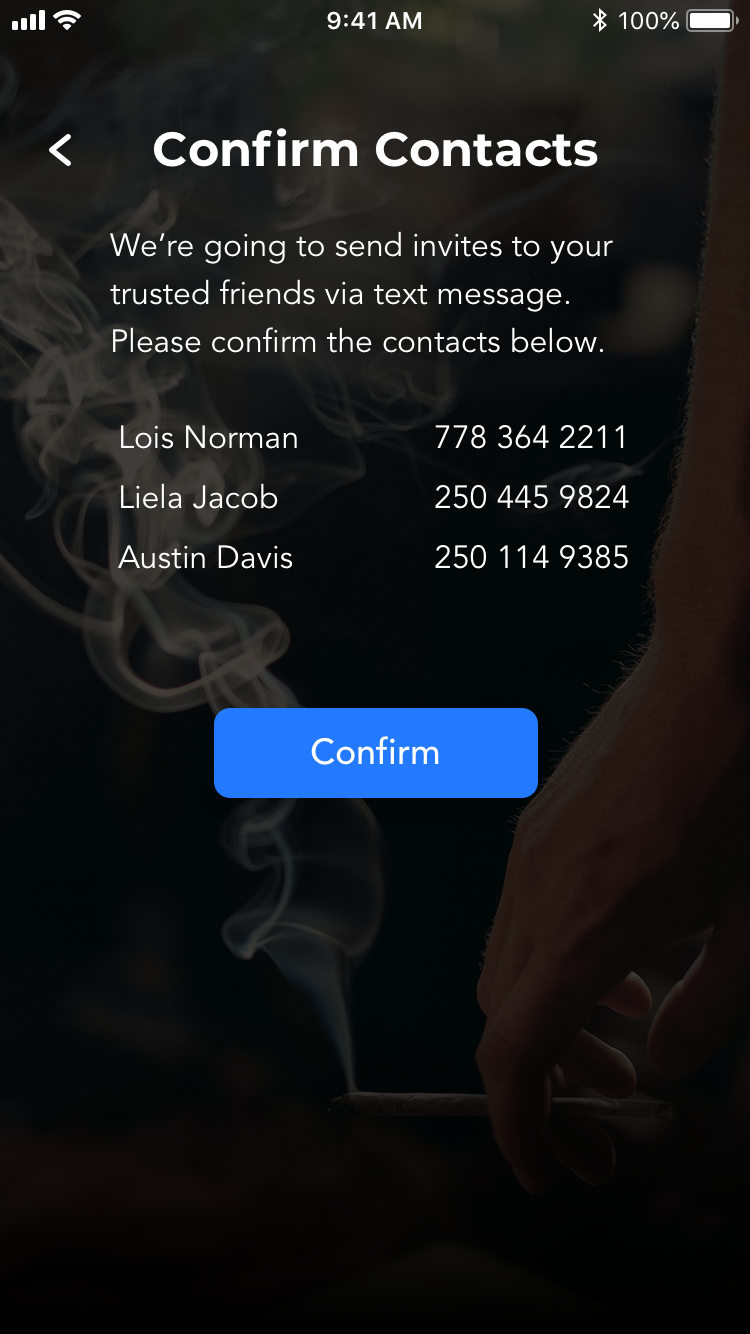
In brief, the app enables people who use substances alone to have a digital safety net. The user can set up an account, add trusted friends to be contacted and set a timer for their usage session.
The expected target aurdience will be occasional drug users and drug addicts between 18 to 40 years old. They may be unable or uncomfortable with supervised drug usage. Jesus Watts is one of them.
22 • Student • Single • Victoria
Jesus is a student in college learning fine-art. He has been using drugs occasionally for 2 years. He doesn’t want his parents and schoolmates know his drugging habit, so he mostly uses drug alone or with a few trusted friends in a safe/secret place. He enjoys drugging but meanwhile also concerns about overdosing.
Wishes
Pains
The mobile design of Use Safer was done 2 years ago, with huge amount of UI/UX design issues plus atroucious visual design. The client thus came to us seeking for an overhaual of the app. At that moment, there was no proper documentation such as project brief or user stories to refer to. So I worked with devs to reverse the engineering of the old app to understand the functionalities and the user needs behind.


Another group of users are administrators. They need to have a platform to receive alearts, track users status, analyze individual cases and close them by giving verdict.
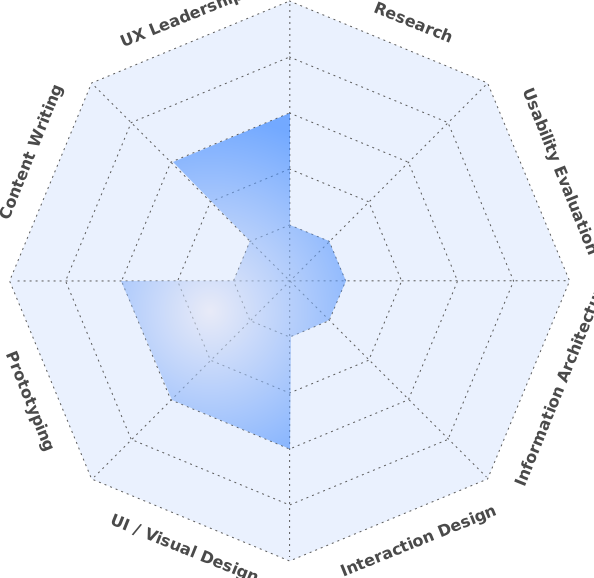
The chart on the right roughly presents what I’ve been working on throughout the project. In general, I touchbased on all areas a bit, but there were a few which took more efforts.
UX Leadership: I worked closely with project manager (PM) and developers to ensure the design is up to client’s expectation and properly implemented.
1. Decision-making: Due to time constraint, I made decisions faster and moved on to the high-fidelity design without excessive wireframing, testing and iterating.
2. Win client trust: Before the overhaul, I did some POC (proof-of-concept) to envision how the app looks potentially. The client likes it and then we get sufficient buget of renovating the whole app with improved UI/UX and cleaner code base.
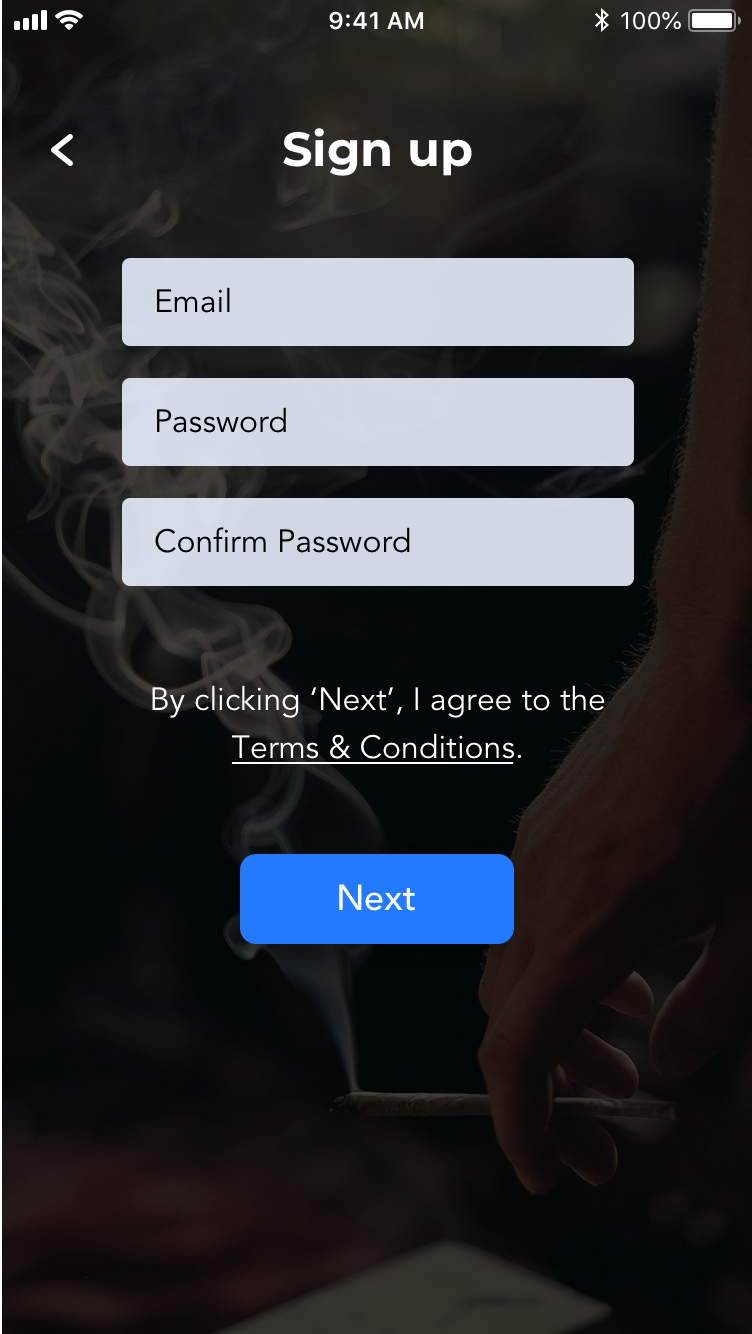
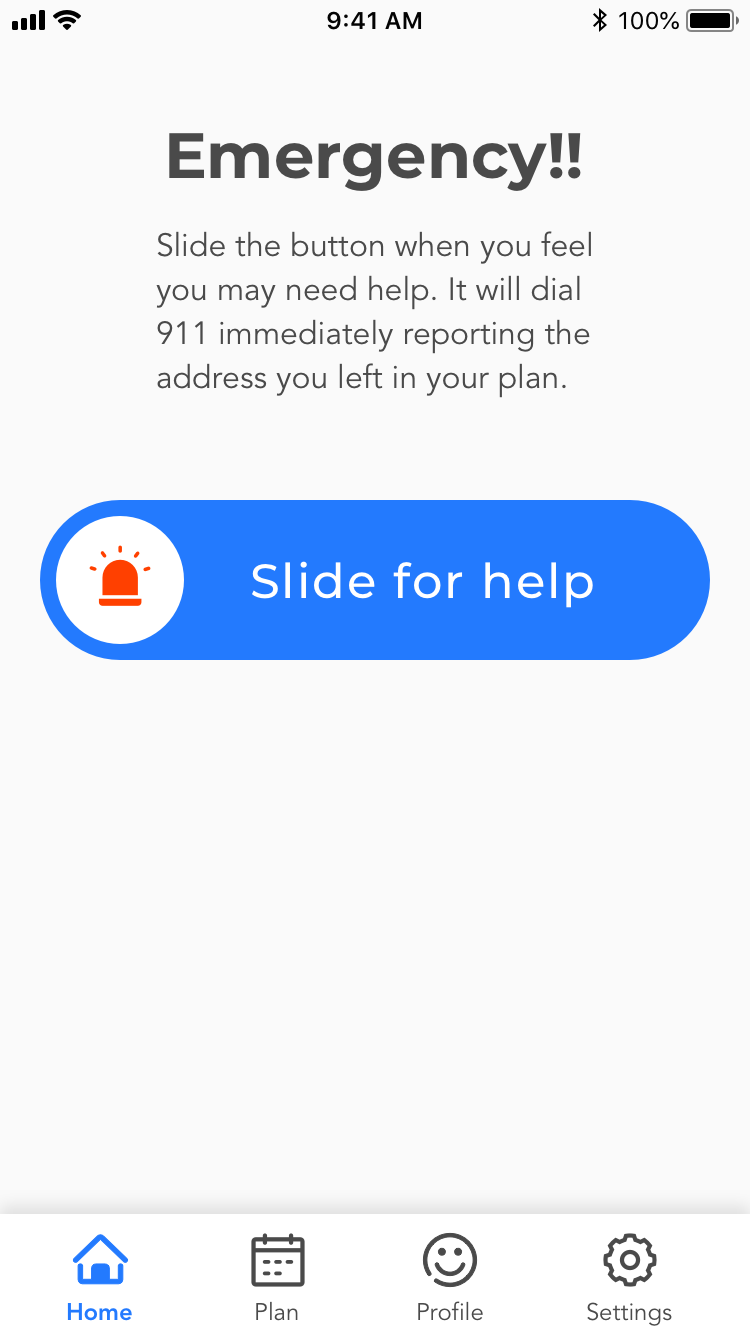
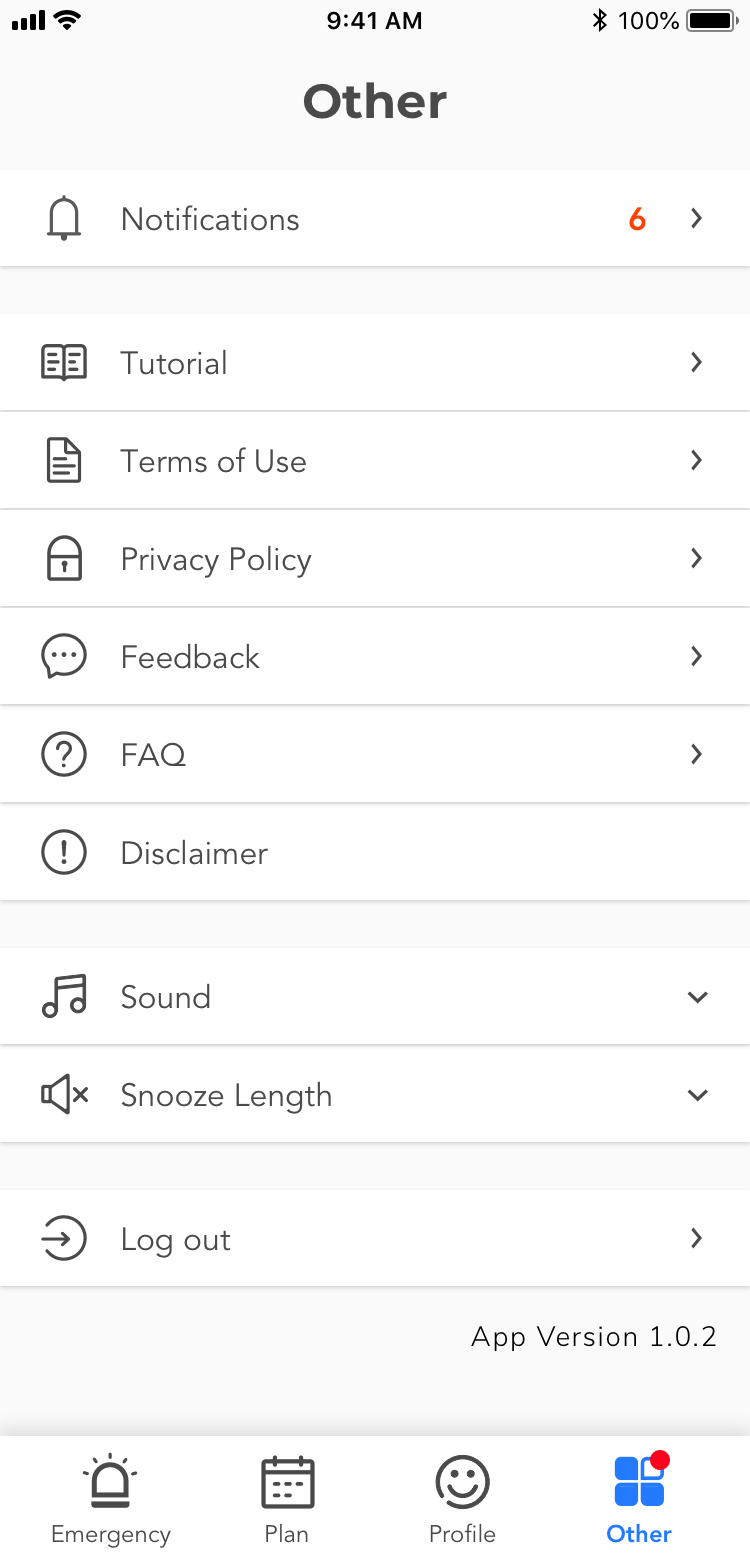
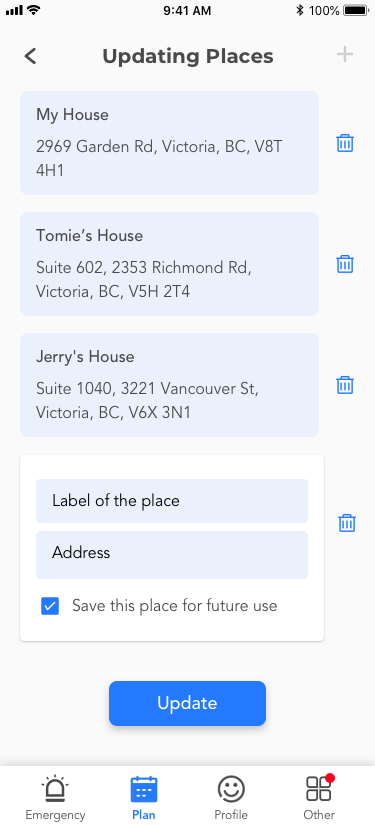
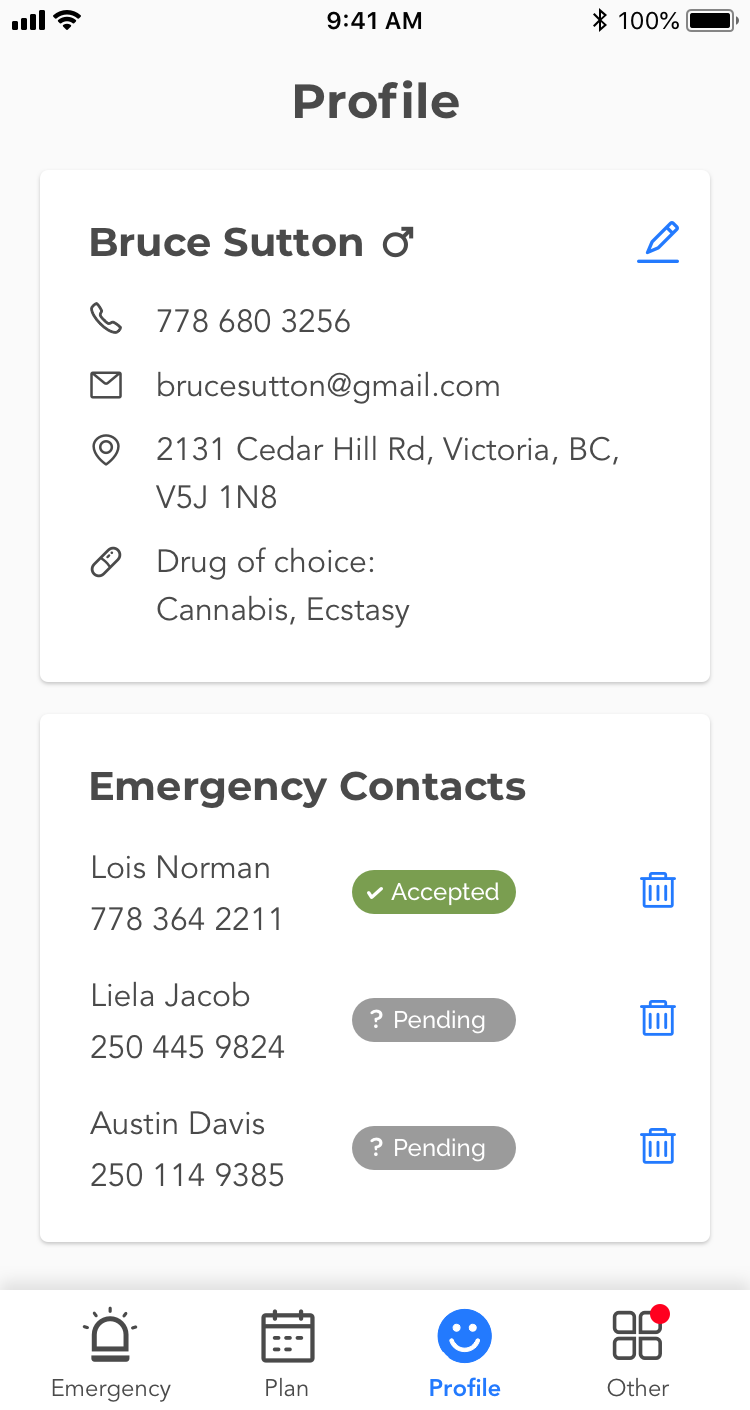
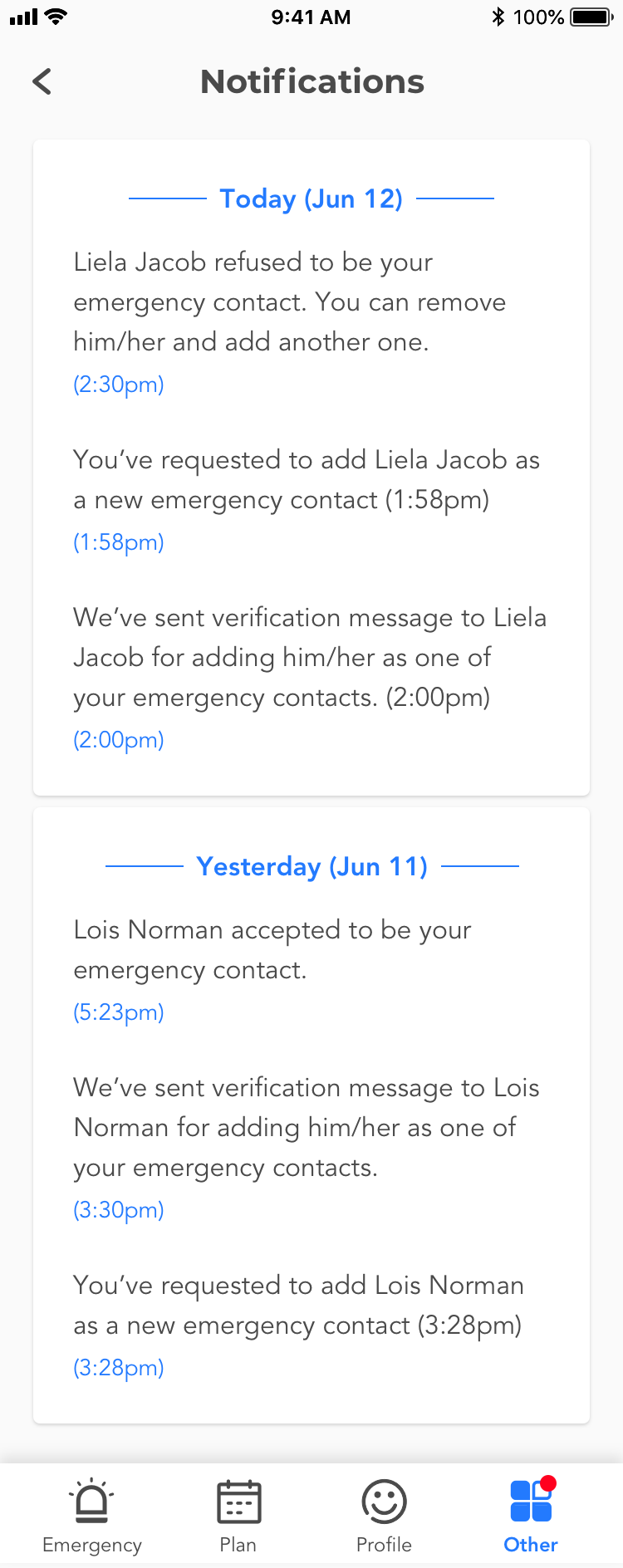
UI/Visual Design: By reworking the app design, I re-structured many functions and categorized them as Emergency, Plan, Profile and Others in the tab bar. As for visual design, I scrapped the entire old skin and only kept the color scheme, as blue is a neutral and safe color.
Prototyping: The final prototype is presented on InVision with hotspots. The PM and devs could click through pages to understand the flow and proposed interactions.
Tools
Wireframe, UI design
Clickable Prototype
After the design is wrapped up, the IOS and Android devs started building it. As a designer, I’m assising the devs for implementation, providing assets and tweaking minor details.
The technologies in use are:
Overall, the client is happy of working with us, giving us a high rating on Clutch.